A Viking refrigerator display can seem locked or unresponsive because a control lock or display mode is selected, moisture covers the touch area, power is interrupted, or an interface or board needs repair. Start by checking the active indication and whether the refrigerator is still cooling. A lit panel with restricted input differs from a completely dark appliance. Use ordinary settings checks before considering internal controls.
Read the indicator before attempting an unlock
A control lock restricts input where that feature is provided. A maintenance message asks for care, and a technical alarm identifies a condition needing attention. Their letters and symbols should be read through the appliance’s control description.
Viking CL means it is time to clean the condenser coil on the refrigerator covered by that message. It is a maintenance reminder, not the general name of a lock. Follow the cleaning access with power off, then use the UP and DOWN arrows for three seconds to clear the reminder as described.
Use the owner manual for a control-lock sequence or special display setting on the actual panel. Avoid pressing combinations from another Viking product. A wine cabinet and a full-height refrigerator can have different control arrangements even when their displays look related.
Clean and dry the touch surface
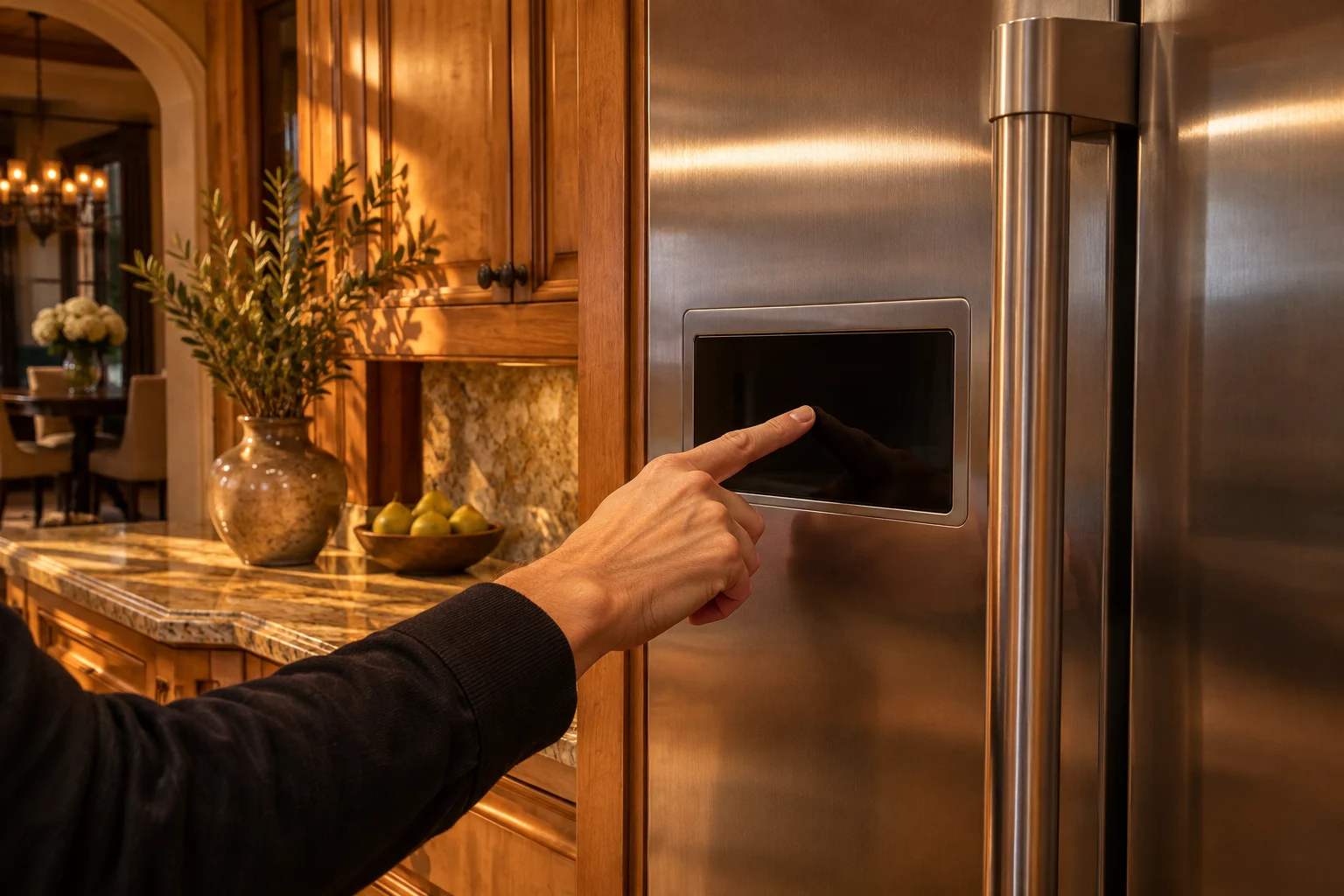
Grease, cleaner residue, moisture, or a covering object can interfere with touch input. With the appliance safe to clean, wipe reachable surfaces gently using the approved method. Keep liquid out of panel edges and gaps. Leave the surface dry before entering a normal command.
Use a clean dry fingertip centered on the intended control. Pressing harder or touching several sensors together can confuse the input. A display that responds only intermittently deserves assessment after ordinary surface care.
If a physical button is damaged, loose, or jammed, leave it for service. Avoid removing the control panel or applying concentrated heat to dry hidden electronics. Internal moisture and electrical connections need the right access and test procedures.
Demo and showroom mode need a model-specific exit
A display or showroom mode, where fitted, can change appliance behavior for demonstration. Check its actual description and exit method. A powered display with weak or absent cooling is a reason to verify the selected mode while protecting stored contents.
Do not assume every dark panel or warm cabinet is in demo mode. Confirm the indication and controls through their operating description. If the setting is absent or normal cooling does not resume after the correct exit, arrange diagnosis.
The Viking FRUI3242D is an undercounter refrigerator and beverage center with dynamic cooling. Its construction differs from the FDBB5364 full-size refrigerator. Identify the product before using a display-mode procedure.
| Panel and appliance behavior | Area to investigate | Next step |
|---|---|---|
| Lock indication and restricted selections | Control-lock setting | Use the intended unlock sequence |
| CL flashing | Condenser maintenance | Complete approved cleaning and reminder reset |
| Display active but cooling absent | Selected mode or operating fault | Confirm mode and assess storage conditions |
| Entire appliance dark | Supply or shared electrical system | Check safe visible power conditions |
| Persistent intermittent input | Interface, wiring, or control | Arrange technical assessment |
Power reset has safety limits
A power reset can clear a temporary control state when the appliance instructions call for it. Use the specified method and duration for the refrigerator instead of guessing. Preserve a complete message before clearing the panel so service has the original clue.
Disconnect only at a safe, dry, accessible point. A hot, wet, or damaged plug needs the supply made safe before approach. Keep heavy installed equipment in place if access would strain connections or require uncontrolled movement.
Smoke, sparks, burned odor, repeated breaker trips, or active leakage near electricity means skip restarting and leave the equipment off. A reset can re-energize damaged parts. Have the electrical condition assessed first.
When a board is suspect
Persistent input failure can involve the touch interface, its wiring path, a connection, or the main control. A technician should inspect those areas and compare commands with the appliance response before selecting an electronic board.
A loose connector or damaged cable can resemble a failed module. Water intrusion or a supply fault can also affect controls. The assessment needs to identify the cause so a replacement component is not exposed to the same condition.
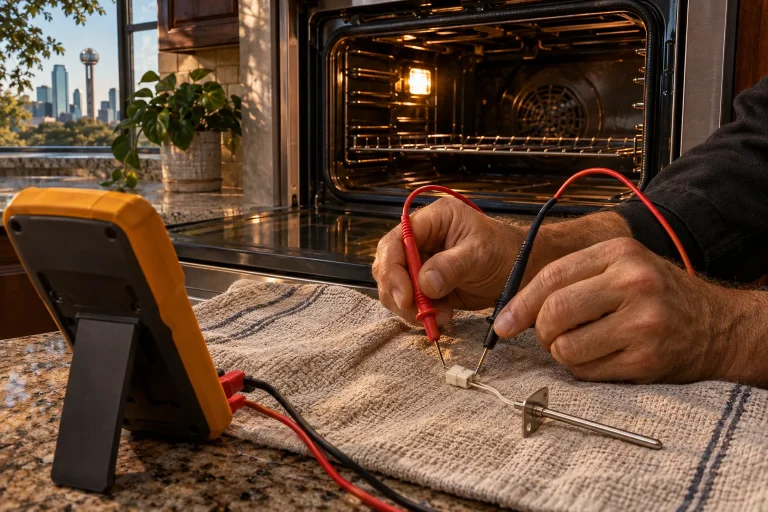
Keep control covers and safety devices installed. Internal circuit measurements are professional work. A dark display may need electrical diagnosis even if a cooling sound is still heard.
Alarms remain important while controls are checked
Viking oPn is a temperature-sensor alarm. ALARM OFF deactivates the sound; if the display does not return to temperature, arrange service. A sensor fault needs more than an unlock attempt. Keep the full alarm text available even if acknowledging it restores part of the display.
The high-temperature alarm concerns storage conditions above the permitted level. Muting changes the sound while the display continues flashing until normal temperature returns. Check door closure and protect perishable contents when cooling is unsuitable.
Safe checks before booking
- Identify the message and actual cooling condition.
- Clear and dry the control surface.
- Use the appliance’s lock or mode procedure.
- Follow a power reset only when specified and safe.
- Arrange service for persistent input, cooling, or technical faults.
Prepare one record: model, display state, working functions, selected mode, alarm, supply changes, and checks completed. Use Viking refrigerator repair or contact in Dallas–Fort Worth. Those details help distinguish settings, supply, interface, and board concerns.
Questions
Does CL mean the controls are locked?
On the Viking refrigerator information covered here, CL is a condenser-cleaning reminder. Complete that care before resetting the reminder.
Where is the unlock or demo-exit sequence?
Use the control instructions for the actual refrigerator. Panel layouts and available modes differ.
What does oPn mean?
oPn is a temperature-sensor alarm. Press ALARM OFF and seek service if the display fails to return to temperature.
When should the control board be assessed?
Persistent failure after correct settings and safe supply checks needs diagnosis. Service should inspect the interface, connections, and control response before choosing a board.