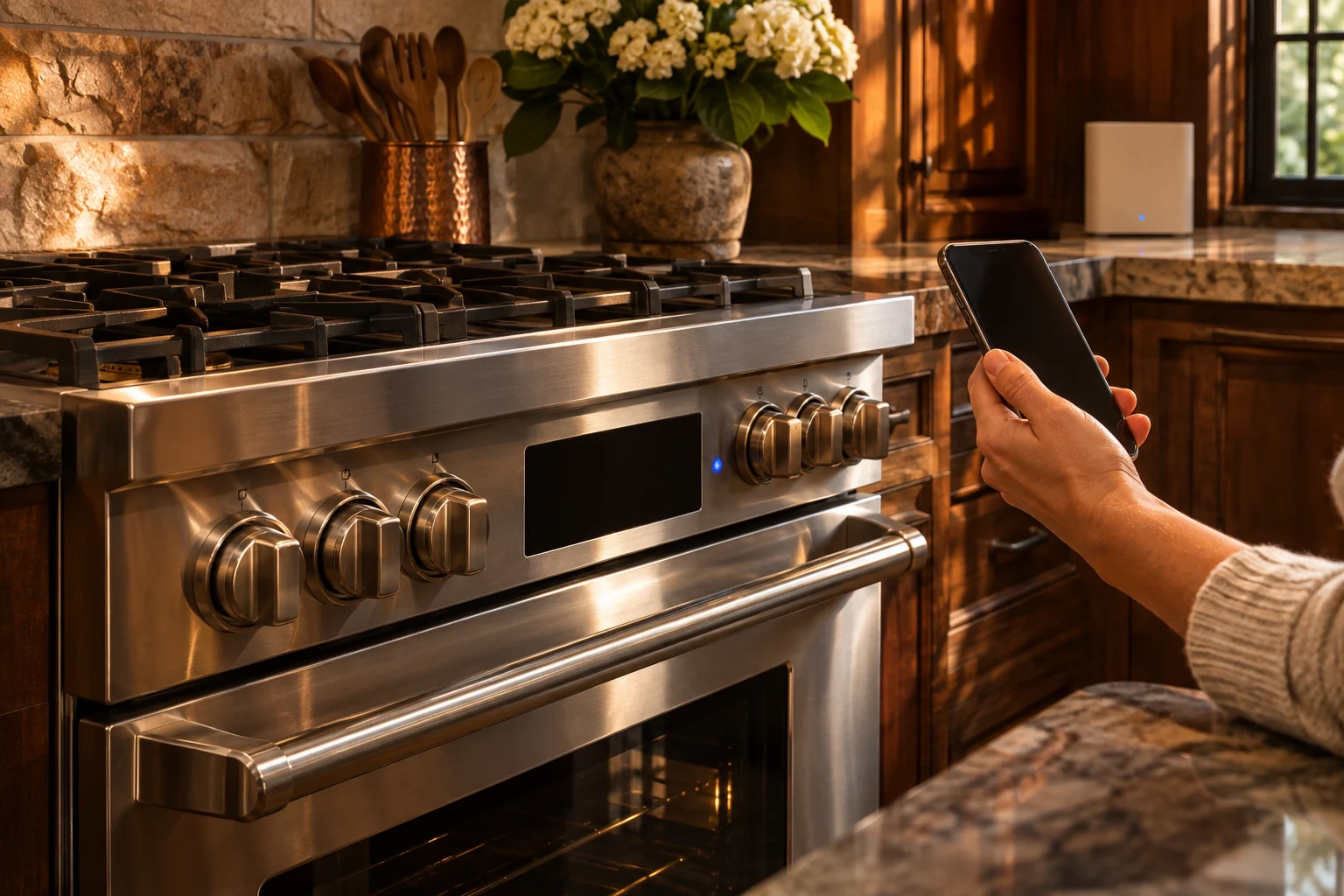
For Viking range Wi-Fi setup and remote alerts, use the connected-feature instructions for the complete model. The setup sequence and supported remote functions are model-specific. For a current operating alert, read the range display and light pattern directly: door, temperature, cooling-fan and control messages give concrete next steps while service is arranged.
Keep setup and current operation separate
Explain whether the request concerns connecting a feature, receiving an alert or a cooking function that stopped. Include the range model and the selection in use. A clear description helps the technician understand the current appliance behavior and any separate setup question.
Keep the local display with the account even if you first noticed a concern remotely. Say which code or repeating light pattern appears on the range. Leave the appliance stopped if the alert accompanies an unsafe condition or unresolved operation.
Use normal owner access and keep control covers and protective devices intact. Stop using equipment that smokes or sparks. If gas is smelled, leave the area and call the gas utility.
Door-lock F01 cancels the cycle
F01 means the door lock is outside the required position: unlocked during cooking or locked during cleaning. It is a critical fault that cancels the current cycle and turns off the elements. The Clean light flashes once and Cycle is off.
Turn the cycle off and power down. Leave correction of the door-lock issue for service. Explain whether cooking or cleaning was selected because the control’s lock response differs between them. Keep forced door movement out of troubleshooting.
F07 also concerns the door during cleaning. It can identify an open door, a failed latch or door sensor, or opening immediately after Clean was selected. The Clean light stays on and Cycle flashes seven times. Turn the cycle off, power down and arrange assessment.
Temperature and fan alerts name different systems
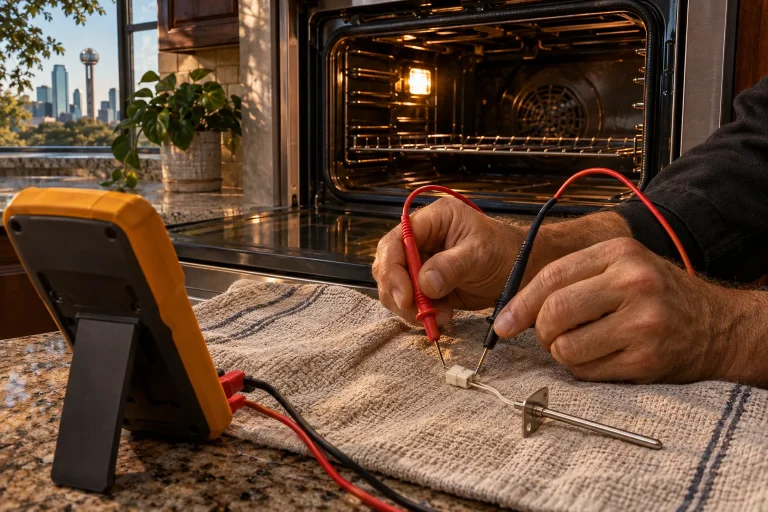
F02 identifies an open or shorted oven-temperature sensor, also called the RTD. Cooking and cleaning are canceled and the control becomes inoperable. Cycle flashes once while Clean is off. Power down and leave sensor connection or replacement work for the technician.
F03 concerns the cooling-fan Hall-effect signal. The control is not receiving a square wave in the allowed frequency range. Bake or clean is canceled, Clean stays on and Cycle flashes three times. Turn the cycle off and power down for service.
Give the exact code and the function that was active. Keep the distinction between the temperature sensor and cooling-fan signal clear in the request. Internal electrical and component checks belong with the technician.
| Code | Meaning | Response |
|---|---|---|
| F01 | Door-lock position fault | Stop cycle and power down |
| F02 | Oven-temperature sensor open or short | Power down for service |
| F03 | Cooling-fan signal fault | Stop cycle and power down |
| F04 | Meat-probe input shorted | Arrange correction before returning to that function |
| F08 | Control and interface communication lost | Turn off and power down |
| F09 | Runaway oven temperature | Stop operation and arrange assessment |
Communication and model-header faults
F08 means the RS485 serial link between EOC4 and the user interface has been lost. Turn the unit off and power down. Keep the full code and model for service, with the enclosure closed. Explain whether cooking, preheating or cleaning was selected.
F06 means the model header read at power-up is undefined, leaving the control inoperable. Clean remains on and Cycle flashes twice. Correction requires the appropriate model header during service. Leave that internal work for the technician.
F04 means the meat-probe input is shorted and cook-by-probe operation is canceled. Keep the selected probe function with the service description. Let hot surfaces cool and use the owner manual for ordinary attachment handling.
F09 requires a temperature-fault assessment
F09 identifies oven temperature above 650F for more than 10 minutes with the door unlocked. Clean stays on and Cycle flashes nine times. Power down and arrange service. The technical checks examine the RTD for open, shorted or grounded wiring, followed by control assessment if the sensor tests correctly.
Keep the appliance out of use for an unresolved overheating concern. Describe the function selected and any message already observed. Leave internal sensor measurements and supply equipment for the technician.
Full model identification helps with both requests
The RVIR330 range has four MagneQuick induction elements, a 4.7-cubic-foot oven and Vari-Speed Dual Flow convection with a two-speed reversing fan. TruGlide racks use roller-bearing slides. Give the full identification for its operating and setup information.
RVER3301 has five radiant elements and QuickCook ribbon elements that reach full power in about three seconds. TVDR361 has four gas burners with electronic spark ignition and automatic reignition, plus a 3.8-cu.-ft. electric oven. TVDR481 has a main 3.8-cu.-ft. oven and a 2.4-cu.-ft. secondary oven.
One list for setup or alert help
- Complete range model and serial information.
- Setup question or current operating concern.
- Exact local code and light pattern.
- Cooking function selected.
- Any probe in use or affected oven cavity.
- Safe stopping steps completed.
Viking range help in Dallas
Use Viking range repair in Dallas–Fort Worth for a returning alert or internal assessment. Share the model and sequence through the contact form. Keep normal access clear and the appliance assembled for inspection. Keep the owner manual nearby so questions about the selected controls and installed arrangement can be discussed during the visit.
Questions
Where is the Wi-Fi setup sequence?
Use the connected-feature instructions for the complete Viking model.
What should I do for F03?
Turn the cycle off and power down. F03 concerns the cooling-fan signal and needs service correction.
What does F01 concern?
It concerns the door-lock position for cooking or cleaning and cancels the current cycle.